
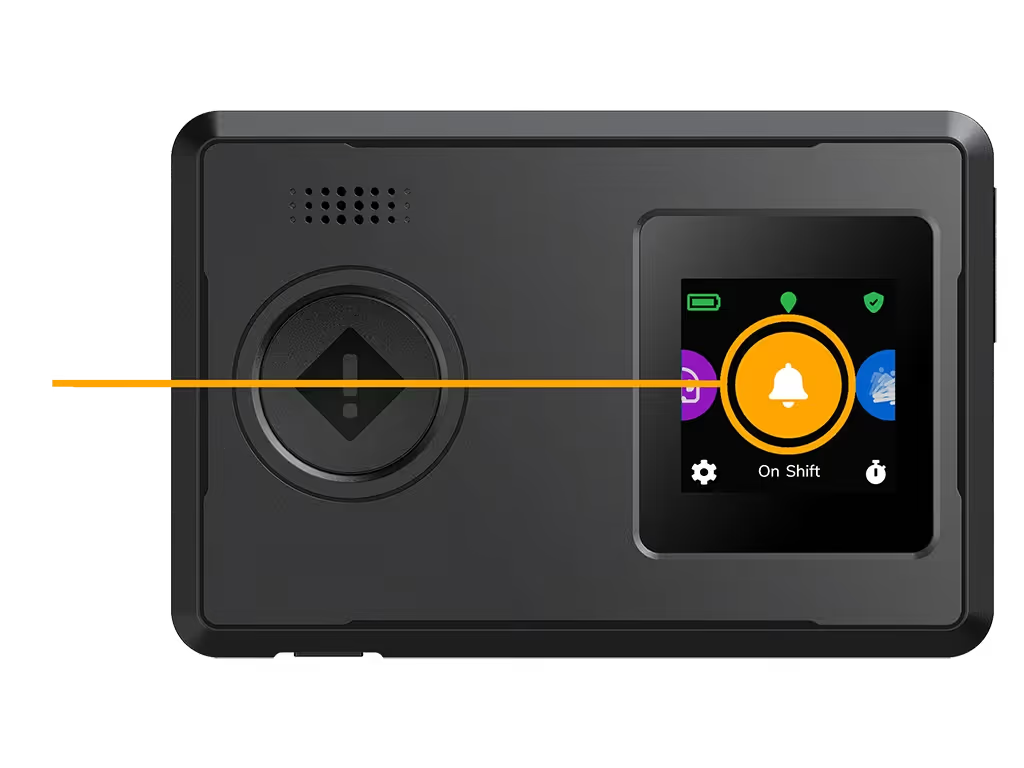
Check-In: Record Messages to Support Lone Worker Safety and Response
The SoloProtect Check-In feature lets lone workers record short, time-stamped voice messages about their location, task, and any potential risks. If an emergency occurs, our Alarm Receiving Centre operators use these updates to verify alerts faster and deliver a more informed, effective response.
How the Check-In Feature Works
The Check-In feature allows a user to record a brief voice message through their SoloProtect device or safety app. This message typically includes the worker’s current location, activity, and any known or perceived risks. If a Red Alert, Man Down Alarm, or other emergency occurs, operators in our 24/7 Alarm Receiving Centre can instantly access these Check-In messages. Alongside geolocation data, they help build a clearer picture of the incident — allowing for faster alert verification and appropriate escalation. This feature is designed to support dynamic risk assessments, improve accountability, and ensure timely, accurate information is available when it matters most.
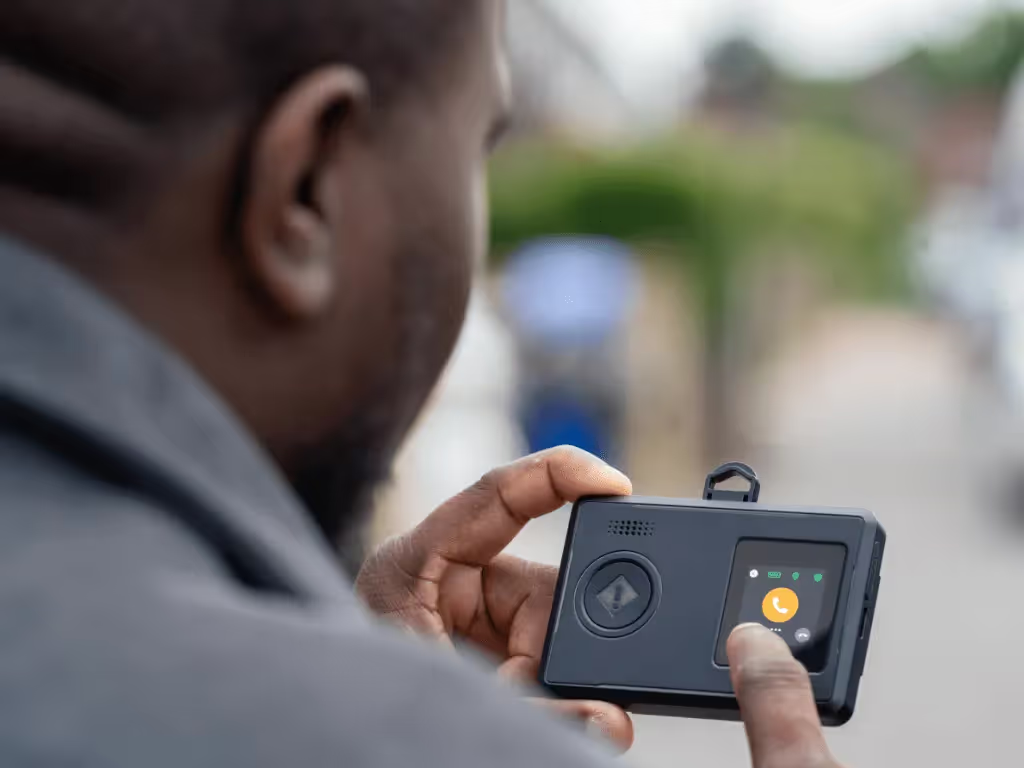
Performed as part of a dynamic risk assessment

Why the Check-In Feature Matters
What Happens When a Check-In Message Is Used?
.svg)
Identify
The worker starts a new task, arrives at a site, or enters a situation that requires risk assessment.

Record
They record a short voice message stating their name, exact location (e.g. postcode), task, and any visible or anticipated risks.

Alert
If a Red Alert or Man Down Alarm is triggered, the incident is routed to the Alarm Receiving Centre.

Respond
Operators listen to the Check-In message and use that information — along with live data — to inform their response, notify emergency services, or escalate to a manager.
SoloProtect Check-In: Facilitating an effective response
The Check-In feature ensures your safety by allowing you to leave detailed messages about your location and itinerary. Know you're always connected and traceable in case of any unexpected incidents.
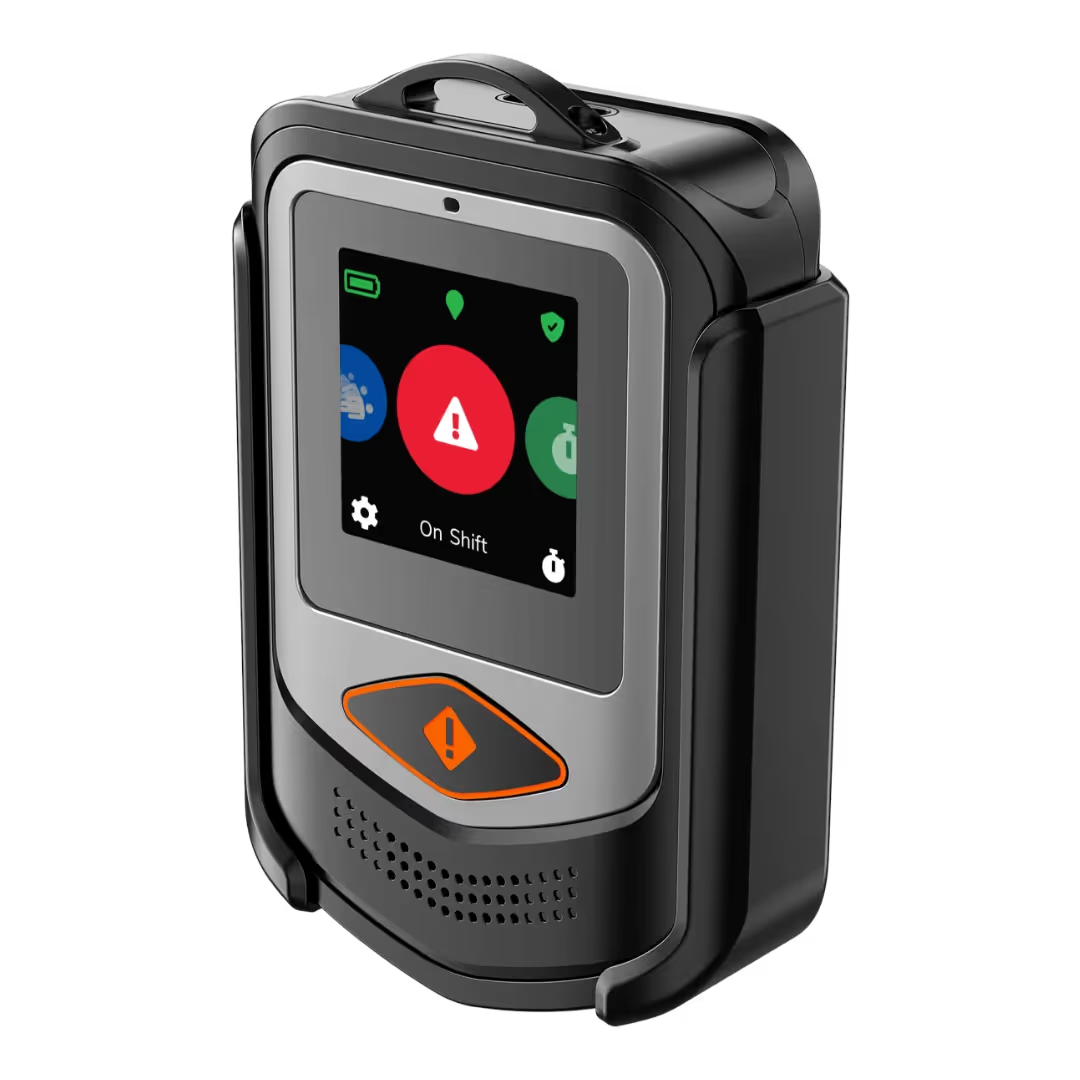
Lone Worker Devices with Check-In Functionality
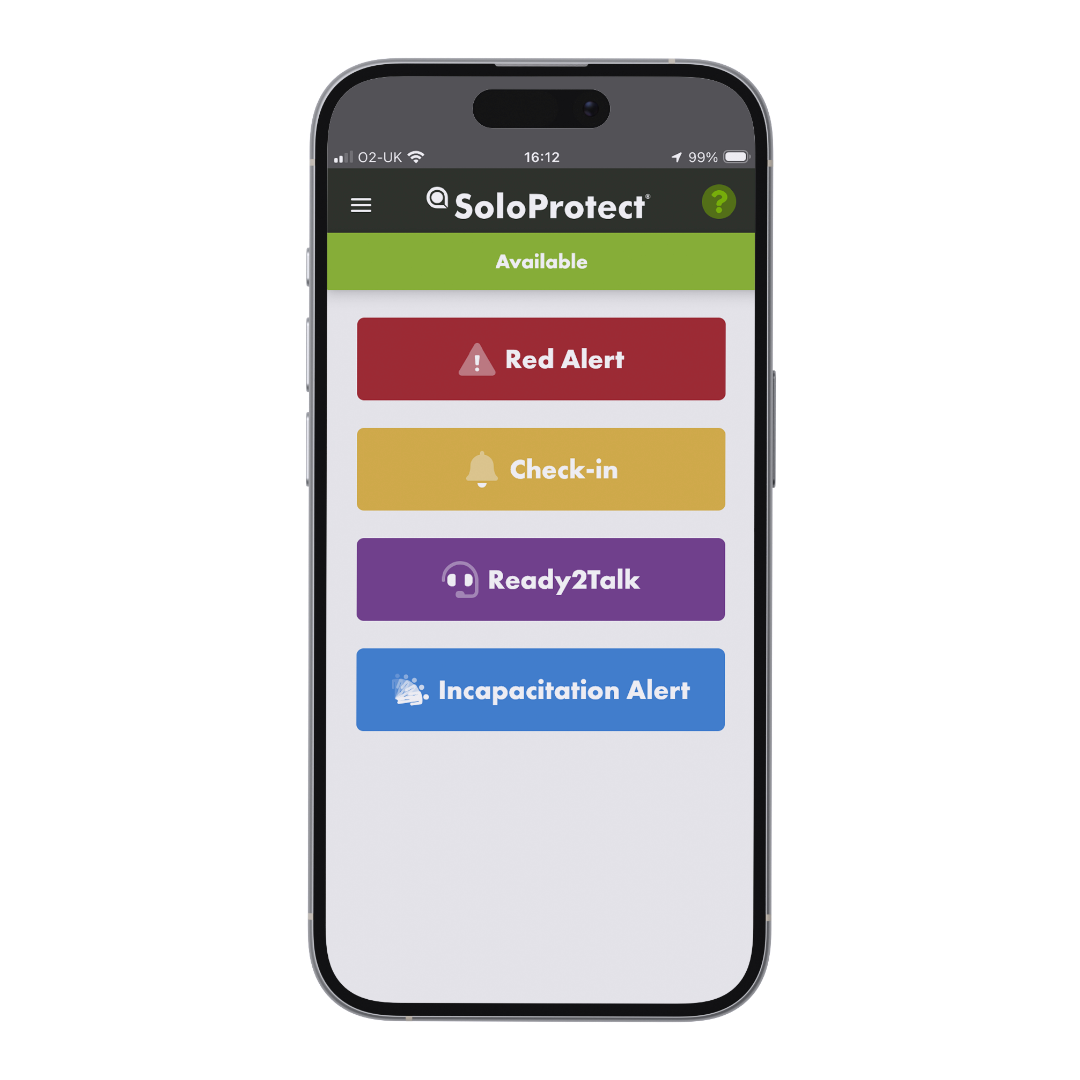
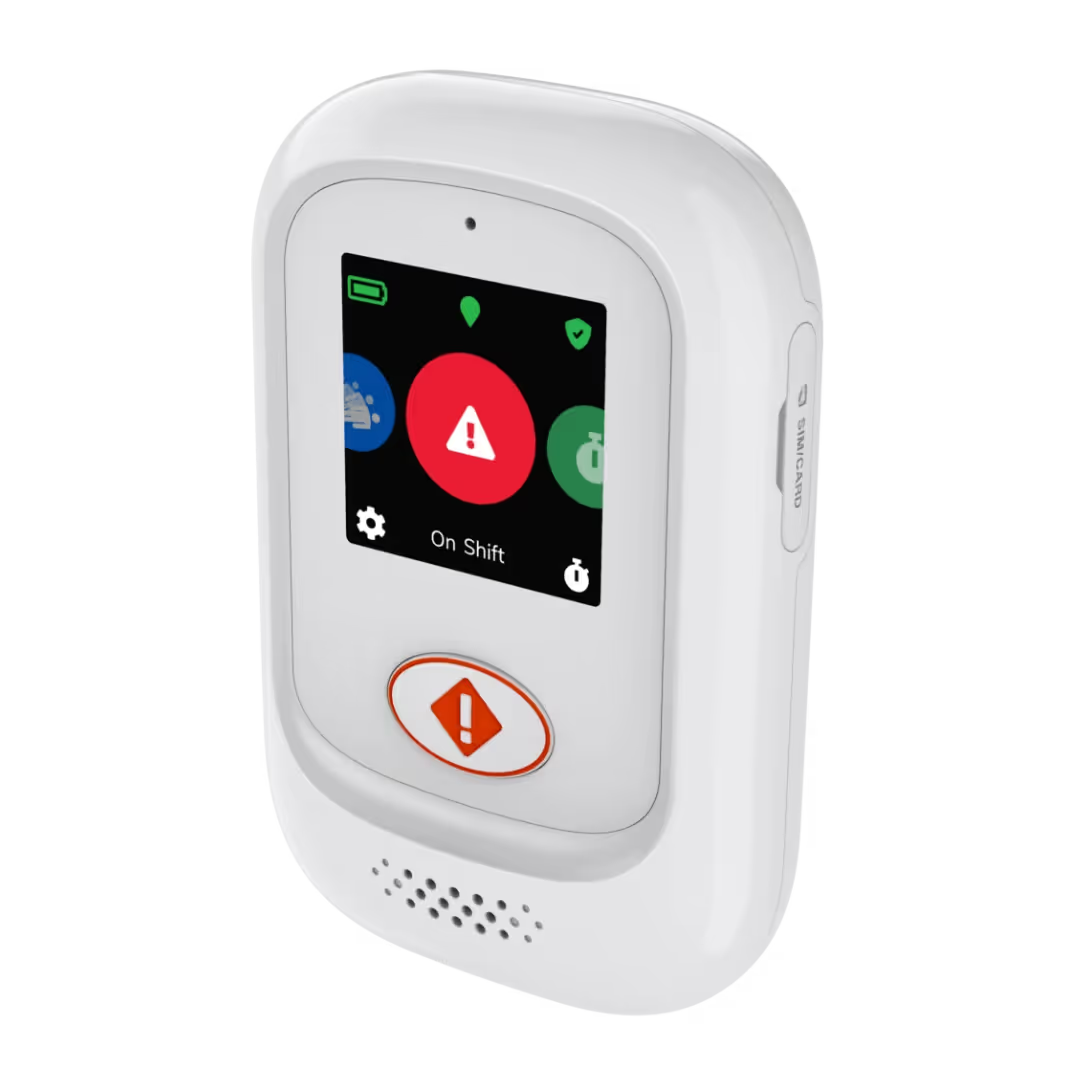
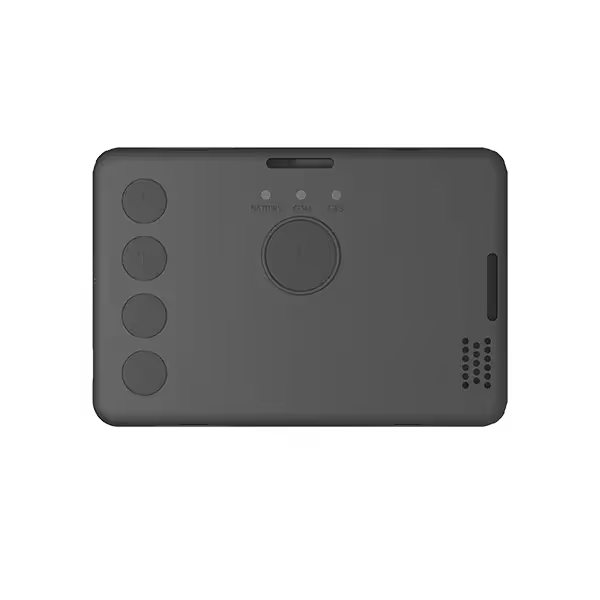
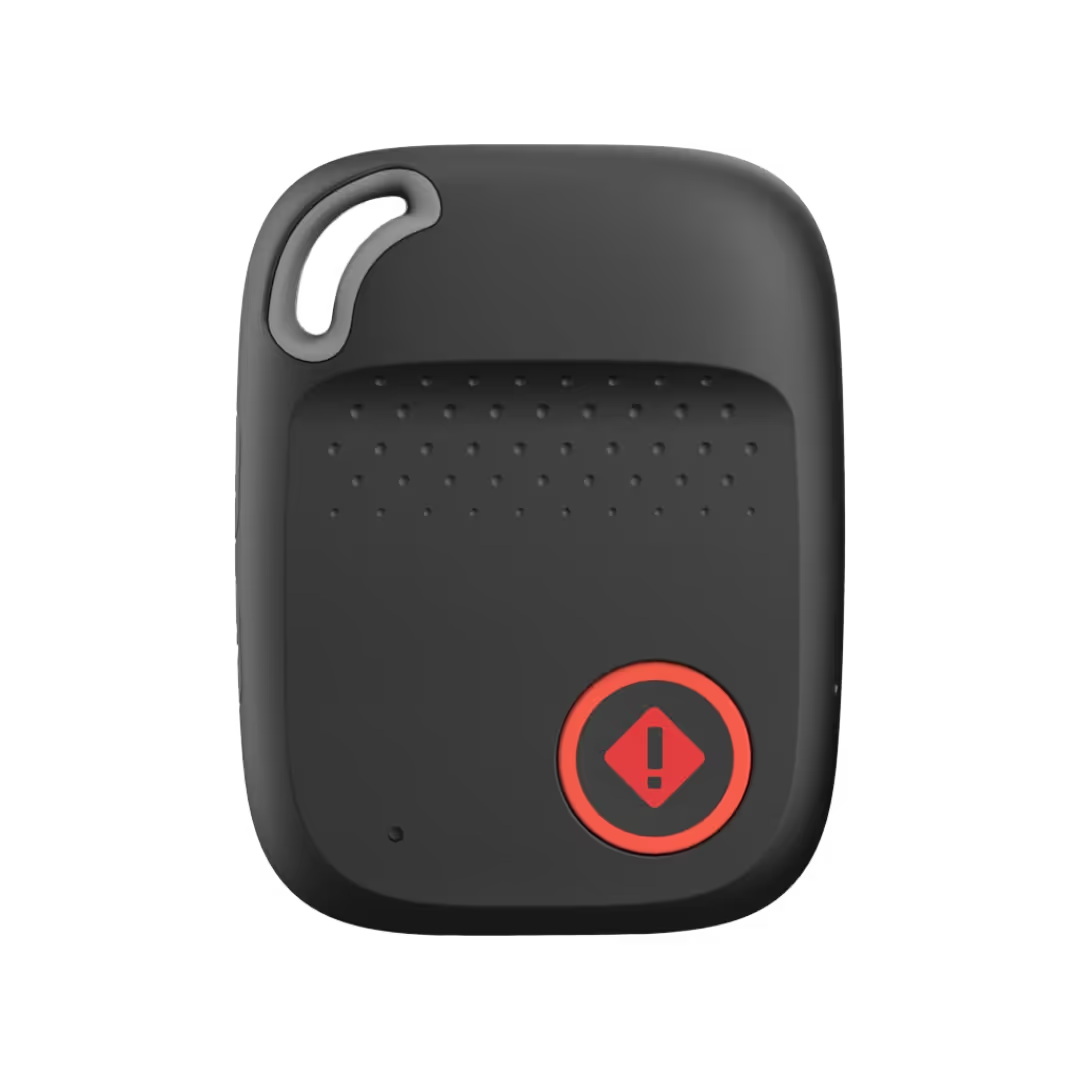
Help your lone workers stay connected and safe throughout their shift. With SoloProtect’s Check-In feature, workers can record their dynamic risk assessment and updates at regular intervals — using any compatible device or app.
.avif)
Frequently Asked Questions About the Check-In Safety Feature
What information should I include in a Check-In message?
Your full name, current location (including postcode), the task you’re undertaking, and any potential or perceived risk. This gives operators a head start in case of an emergency.

Where are Check-In messages stored and who can access them?
All messages are securely stored in SoloProtect’s 24/7 Alarm Receiving Centre. Only trained operators can access them — and only in the event of a genuine alert. They’re not shared with employers.
How do Check-In messages help in an emergency?
They allow operators to quickly understand your location, activity, and risk level — helping speed up escalation and provide relevant support.
When should I leave a Check-In message?
You should Check-In as part of your dynamic risk assessment — especially when starting a new activity, entering a property, or working in an unfamiliar environment.
Read our blog: Dynamic Risk Assessments Explained
Is the Check-In feature available on all SoloProtect devices and apps?
Yes, Check-In is a core feature and is available across all SoloProtect lone worker safety devices and mobile apps.
Does the Check-In feature support legal or incident investigations?
Yes — Check-In messages can provide time-stamped audio evidence to support post-incident reviews or training, if appropriate. They contribute to a documented audit trail and can assist with internal or legal investigations.


