
Lone Worker Watches Explained: Wearable Safety Solutions for Lone Workers
Understand the different types of wearable lone worker safety solutions, including lone worker watches, wearable panic buttons and lone worker buttons, and discover how they can help protect employees working alone.
.svg)
What Are Lone Worker Watches and Wearable Safety Solutions?
When employees work alone, being able to quickly and discreetly call for help can be critical in an emergency. This has led many organisations to explore lone worker watches, wearable panic buttons and other wearable safety solutions that help employees raise an alarm quickly when they need assistance.
But what exactly is a lone worker watch, and is a dedicated watch always the best option?
Today, wearable safety technology comes in many forms, from dedicated lone worker watches and smartphone apps to wearable panic buttons and lone worker buttons that provide discreet emergency alarm activation.
In this guide, we'll explain the different types of wearable lone worker safety solutions, and how organisations can choose the right solution for their workforce.
What Is a Lone Worker Watch?
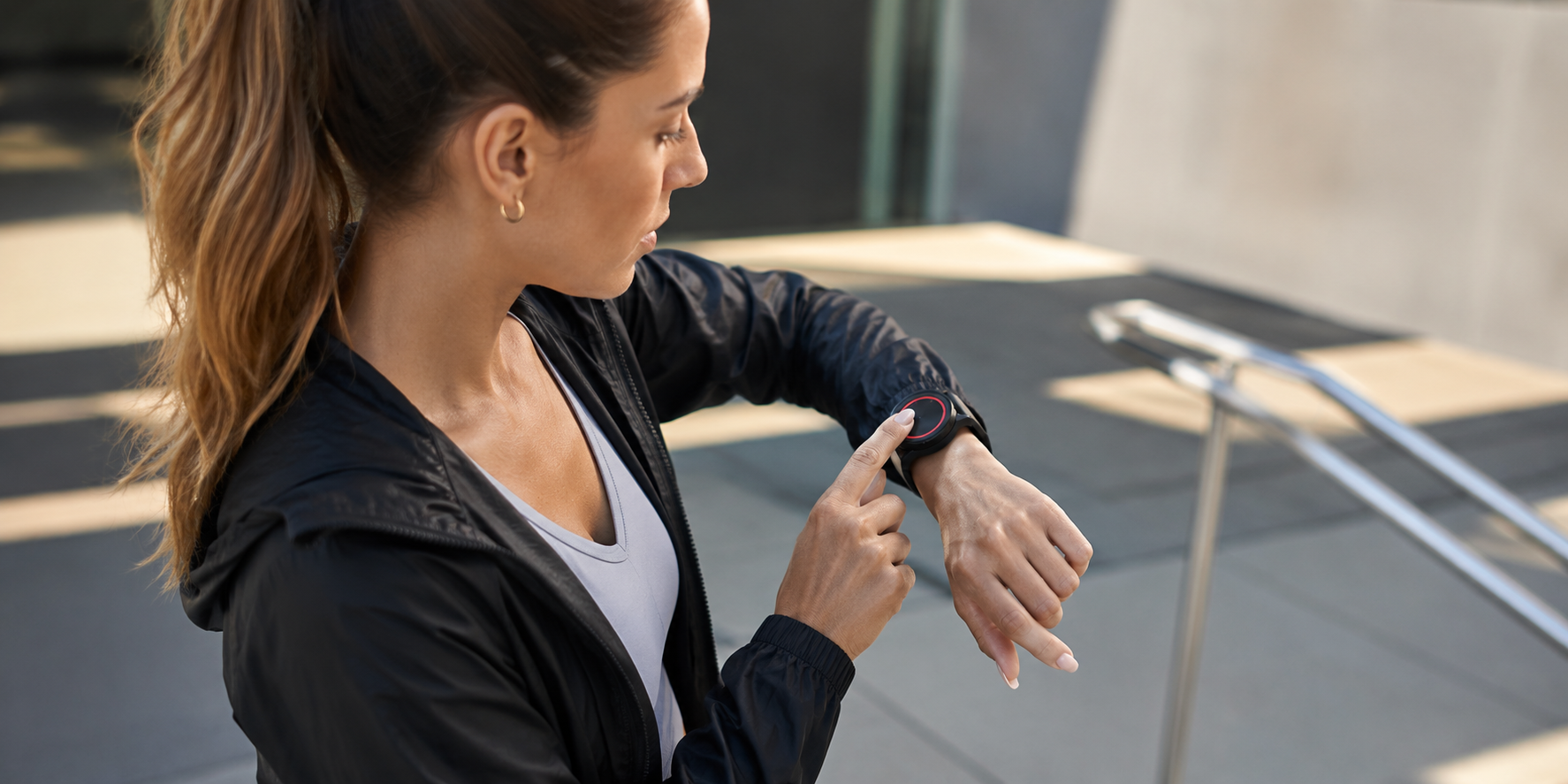
A lone worker watch is a wearable safety solution designed to help employees quickly request assistance if they experience an emergency while working alone.
Although the term lone worker watch is widely used, it can refer to several different types of wearable safety solution. Some organisations choose dedicated wearable devices, while others prefer smartphone-based lone worker apps that work alongside a wearable panic button or lone worker button for quick and discreet alarm activation.
Depending on the product, a lone worker watch may provide access to features such as emergency alarm activation and 24/7 monitoring. Some are dedicated wearable devices, while others work alongside a smartphone app to provide additional functionality.
Lone worker watches are commonly used by employees who regularly work away from colleagues or in unpredictable environments where immediate assistance may not be available.
Different Types of Wearable Lone Worker Safety Solutions
There is no single type of lone worker watch. Modern wearable safety solutions generally fall into four categories.
Dedicated Lone Worker Watches
Purpose-built wearable devices designed specifically for employee safety. These typically combine alarm functionality with other safety features within a single wearable device.
Smartwatches
Some organisations investigate whether consumer smartwatches can support lone worker safety through third-party applications or emergency features.
Lone Worker Safety Apps
Many organisations now use smartphone-based lone worker safety apps, allowing employees to access professional monitoring, GPS location, Check-Ins, Monitoring Timers and other advanced safety features using a device they already carry every day.
Wearable Panic Buttons
A wearable panic button provides employees with a quick and discreet way to activate an emergency alarm. Rather than functioning as a standalone safety device, many wearable panic buttons pair with a smartphone app, allowing users to access professional monitoring while keeping alarm activation within easy reach.
Lone Worker Button
A lone worker button is a compact wearable alarm designed to help users quickly request assistance during an emergency. Depending on the solution, it may be attached to clothing, carried independently or worn on a watch strap. Because these buttons are lightweight and discreet, they're becoming an increasingly popular option for organisations looking to enhance their lone worker safety procedures without issuing another large wearable device.

Choosing the Right Wearable Lone Worker Solution
There is no one-size-fits-all approach to lone worker safety. The right wearable solution will depend on your organisation, the environments your employees work in, and how they prefer to raise an alarm in an emergency.
When comparing lone worker watches, wearable panic buttons and other wearable safety solutions, consider the following:
- Can an alarm be activated quickly and discreetly? In some situations, employees may need to request help without drawing attention to themselves.
- Is the solution comfortable enough to wear every day? A wearable safety solution is only effective if employees are happy to use it consistently.
- Does it work alongside a professionally monitored lone worker solution? Rapid alarm activation is important, but so is ensuring the alert reaches trained operators who can coordinate an appropriate response.
- Can it adapt to different users and job roles? Some employees may prefer a watch-style wearable, while others may find a lanyard or compact wearable button more practical.
- Does it integrate with a wider lone worker safety platform? Features such as GPS location, Check-Ins, panic button alerts can provide additional protection beyond simply raising an alarm.
For many organisations, combining a lone worker safety app with a wearable panic button offers the best balance of flexibility, ease of use and employee protection. Employees continue to benefit from the full functionality of the mobile app while having a simple, wearable method of activating a Red Alert whenever they need assistance.
See How the SoloProtect Mobile App Protects Lone Workers
The SoloProtect Button
For organisations using the SoloProtect Mobile App, the optional Button provides an additional way to activate a Red Alert quickly and discreetly.
Rather than acting as a standalone lone worker device, the Button pairs directly with the app and is designed purely for emergency alarm activation. Pressing the button immediately raises a Red Alert, while the Mobile App manages communication, GPS location and professional monitoring.
The Button can be worn in whichever way best suits the user, including:
- Attached to a watch strap
- Worn on a lanyard
- Carried as a standalone button
This flexibility allows organisations to choose the most practical wearing option for different job roles and individual preferences.
Why Pair a Wearable Panic Button with the SoloProtect Mobile App?
Pairing a wearable panic button with a professionally monitored lone worker app combines the convenience of wearable alarm activation with a comprehensive personal safety solution.
In addition to Red Alert activation, the SoloProtect Mobile App includes a range of features designed to support employees throughout their working day, including:
- Ready2Talk
- Check-In
- Location Map
- GPS location services
- Man Down detection (where supported)
- 24/7 monitoring by our Alarm Receiving Centre
Rather than relying on a wearable device alone, users benefit from a complete lone worker safety solution that continues to evolve through app updates and new functionality.
Looking for a Wearable Lone Worker Safety Solution?
Discover how the SoloProtect Mobile App and optional Button work together to provide discreet emergency alarm activation and 24/7 professional monitoring.
%20(7).avif)


Frequently Asked Questions
Frequently Asked Questions About Lone Worker Watches
What is a lone worker watch?
A lone worker watch is a wearable safety solution designed to help employees quickly request assistance when working alone. Depending on the solution, it may be a dedicated wearable device or part of a wider lone worker safety system that includes a smartphone app and professional monitoring. The most effective solutions allow users to discreetly raise an alarm and quickly connect to help during an emergency.

What is a lone worker button?
A lone worker button is a compact wearable panic button that enables users to activate an emergency alarm at the press of a button. It can be worn on a watch strap, lanyard or carried independently, making it a flexible option for employees who need a quick and discreet way to request assistance while working alone.
What is a wearable panic button?
A wearable panic button is a small wireless device that allows users to discreetly raise an emergency alarm without needing to access their smartphone. Many wearable panic buttons pair with a lone worker safety app, combining fast alarm activation with features such as GPS location, professional monitoring and emergency response.
Is a lone worker watch better than a lone worker safety app?
Both solutions can improve employee safety, but they serve different purposes. A dedicated lone worker watch combines multiple features within a single wearable device, while a lone worker safety app uses a smartphone to provide functionality such as GPS location, Check-Ins, Monitoring Timers and professional monitoring. Some organisations choose to pair a wearable panic button with a lone worker app, providing quick alarm activation alongside a comprehensive lone worker safety solution.
Can a wearable panic button be attached to a watch?
Yes. Some wearable panic buttons, including the SoloProtect Bluetooth Button, can be attached to a standard watch strap, allowing users to discreetly activate a Red Alert while keeping their smartphone safely in a pocket or bag. Depending on user preference, the button may also be worn on a lanyard or carried independently.
What should I look for in a wearable lone worker safety solution?
When choosing a wearable lone worker safety solution, look for fast and discreet alarm activation, reliable connectivity, accurate location sharing and access to professional monitoring. It's also important to choose a solution that is comfortable to wear and integrates with a wider lone worker safety platform, providing additional features such as Check-Ins and emergency communication.
.png)
.png)
.png)


