
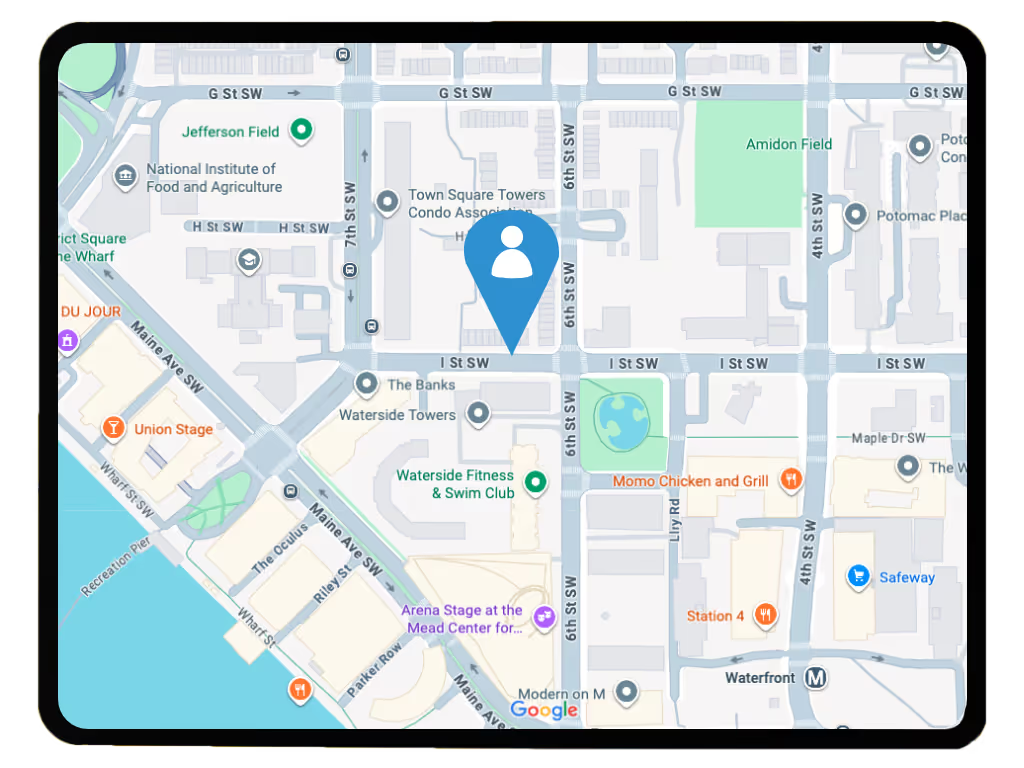
Location Map: Lone Worker Location Feature
Keep full visibility of your lone and remote workforce with the Location Map feature. This geolocation tool sends scheduled location updates to SoloProtect Insights, giving you clear oversight of employee movements. Improve coordination, response efficiency, and duty of care while strengthening safety, visibility, and accountability across your mobile teams.
How the Location Map feature works
When enabled, the Location Map feature sends geolocation data to the SoloProtect Insights platform at set intervals. Managers can log into the platform to view the location data of their workforce on a simple map interface. The map also displays working status data (e.g. on-shift, off-shift, or on leave) providing operational oversight, helping to reduce safety risk and enabling better resource planning.

Location data: streamlining your business

Benefits of the Location Map
How the Location Map feature is used

Locate
The device or app sends geolocation data to SoloProtect Insights at set intervals using secure, cloud-based tracking.

Review
Managers can view location data on a digital map — ideal for field-based operations, logistics, or remote teams.

Status
Access additional details like user working status (on-shift, off-shift, leave.)

Respond
Use location data to make informed decisions — from verifying lone worker safety to improving route efficiency.
Lone Worker Safety Devices with Location Tracking
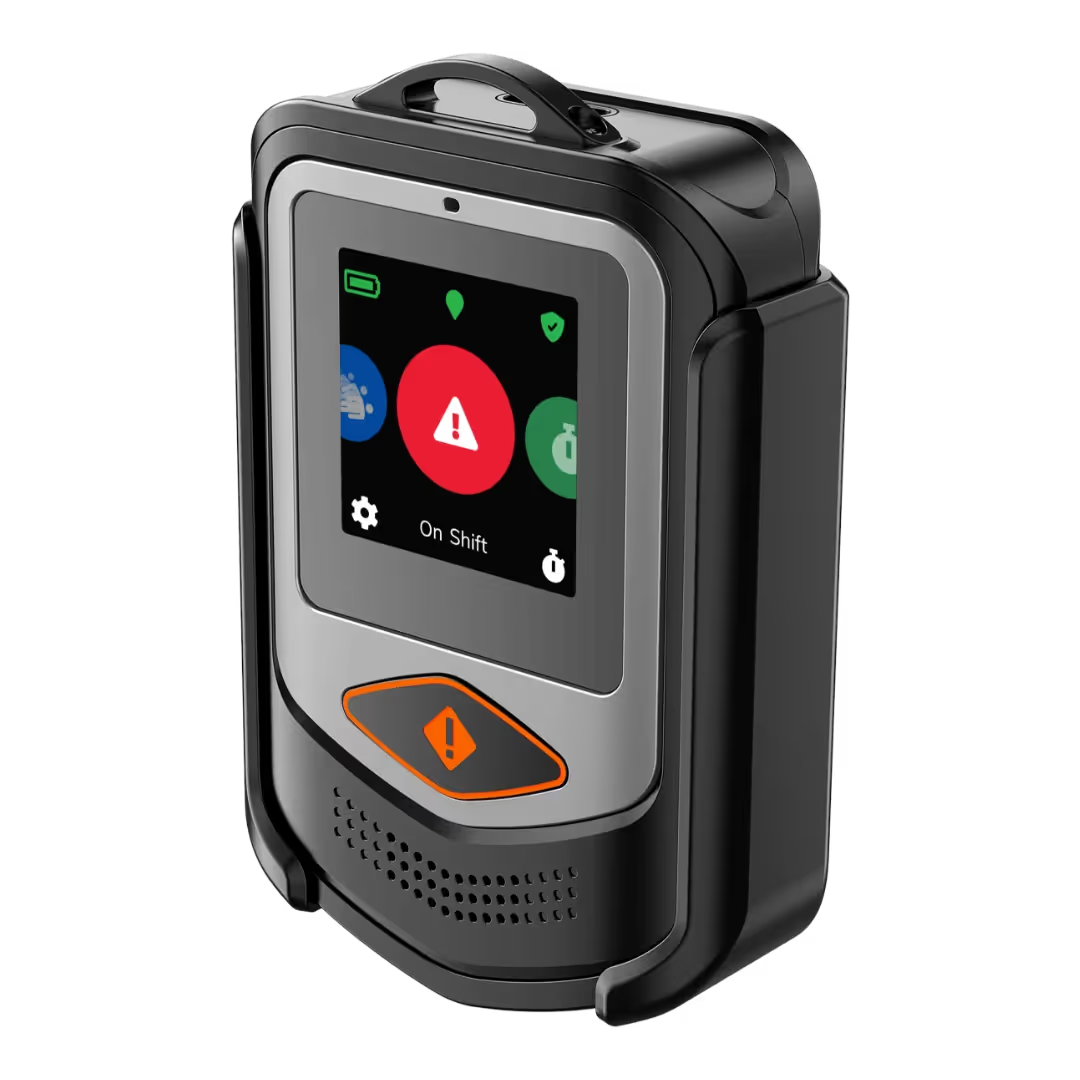
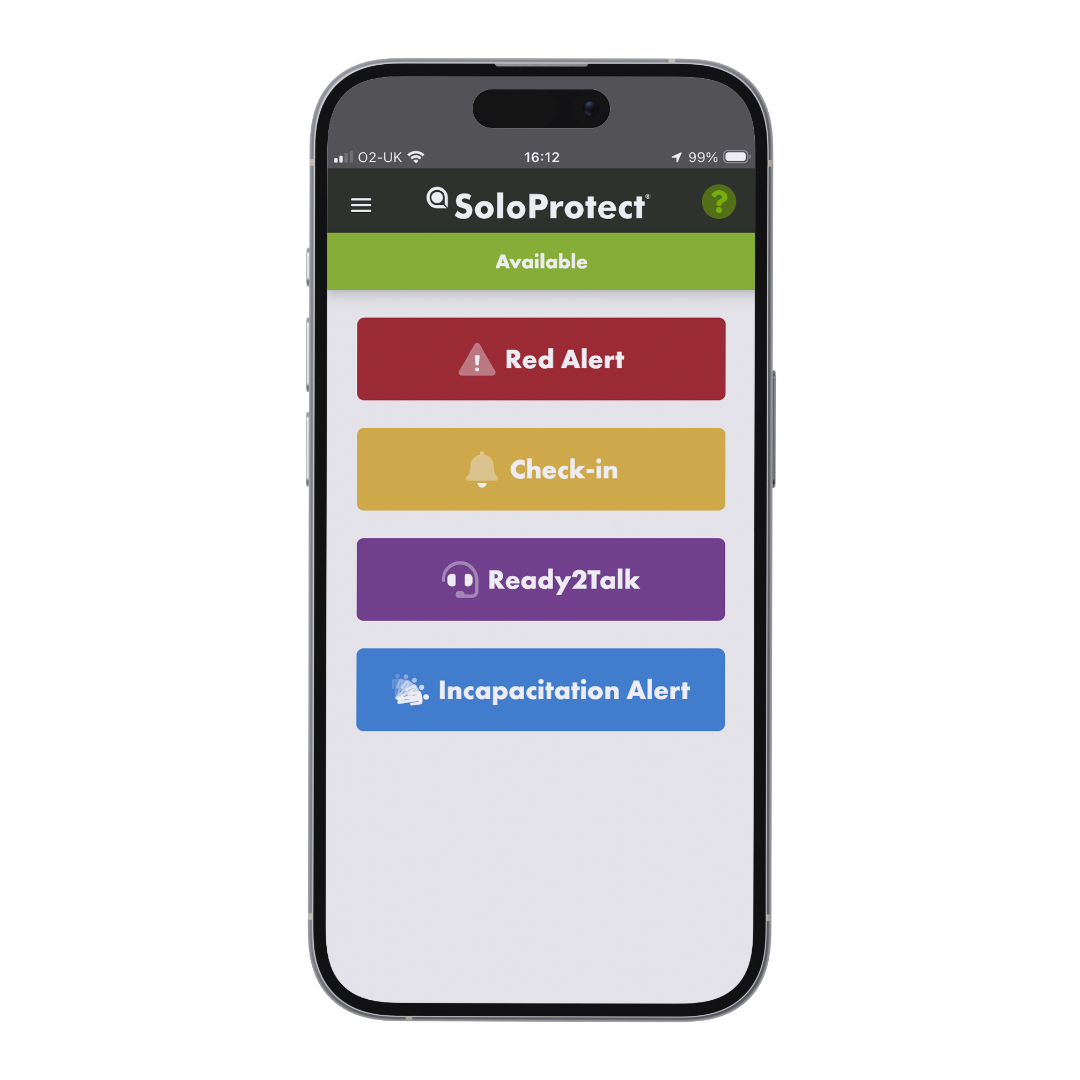
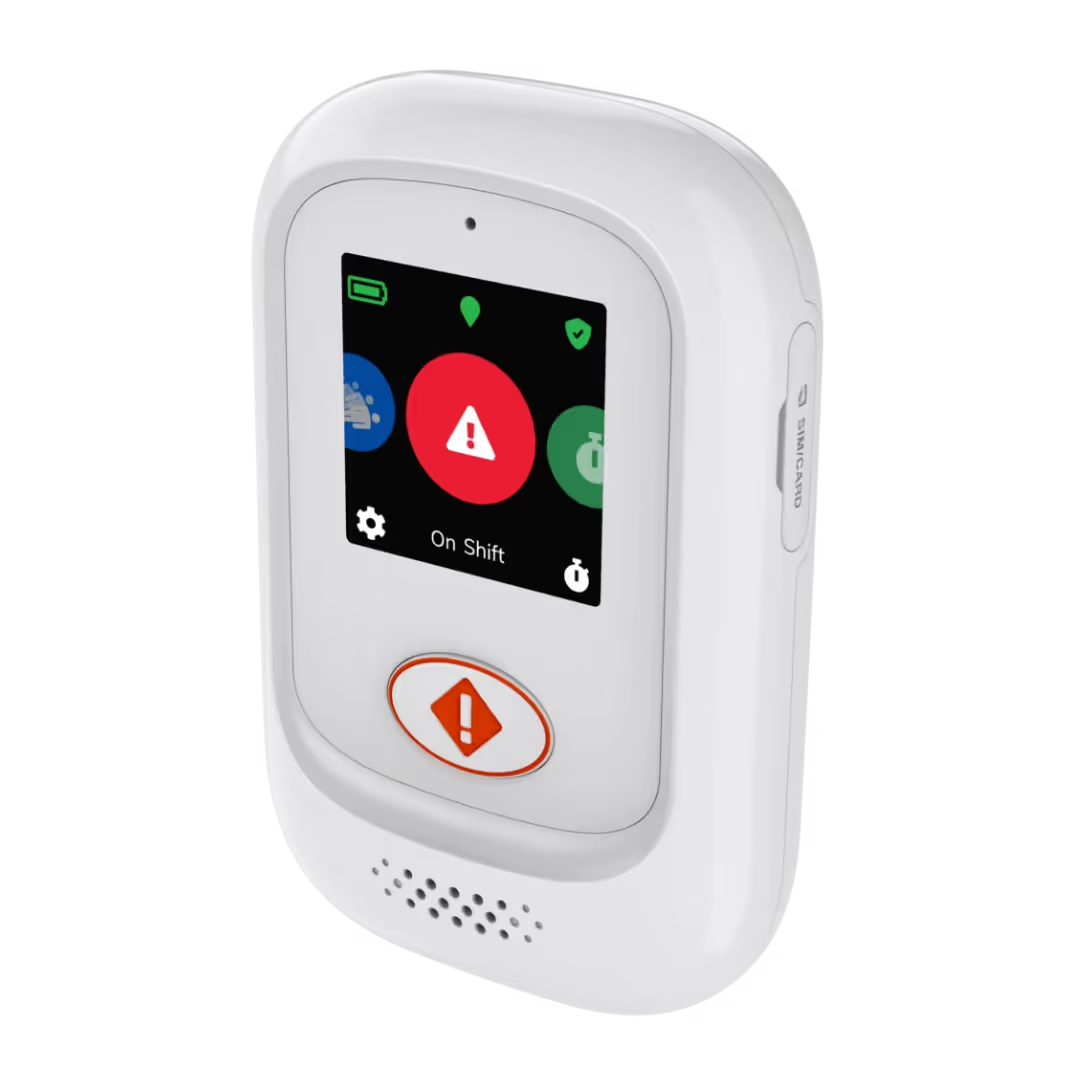
Stay informed about your field team’s whereabouts. SoloProtect’s Location Map feature, available on the app or device, helps you view worker locations — all in one dashboard.
.avif)
Frequently asked questions about the Location Map feature
How does the Location Map feature work?
If switched on, the Location Map feature will use the device or app's geolocation technology to plot user locations on a map which can be accessed via our Insights platform.

Can I access any other information via the map?
Yes, you can also see details of your users' working status (e.g. who is on-shift, off-shift, or on annual leave.)
If I don't have the Location Map feature, will location information still be used for any other purpose?
If the Location Map feature isn’t activated as part of your solution, the only time user location information will be used is in the event of a genuine alert. When a call comes through to our Monitoring Center, operators can locate the user and pass it on to the relevant emergency services to ensure a swift response.


